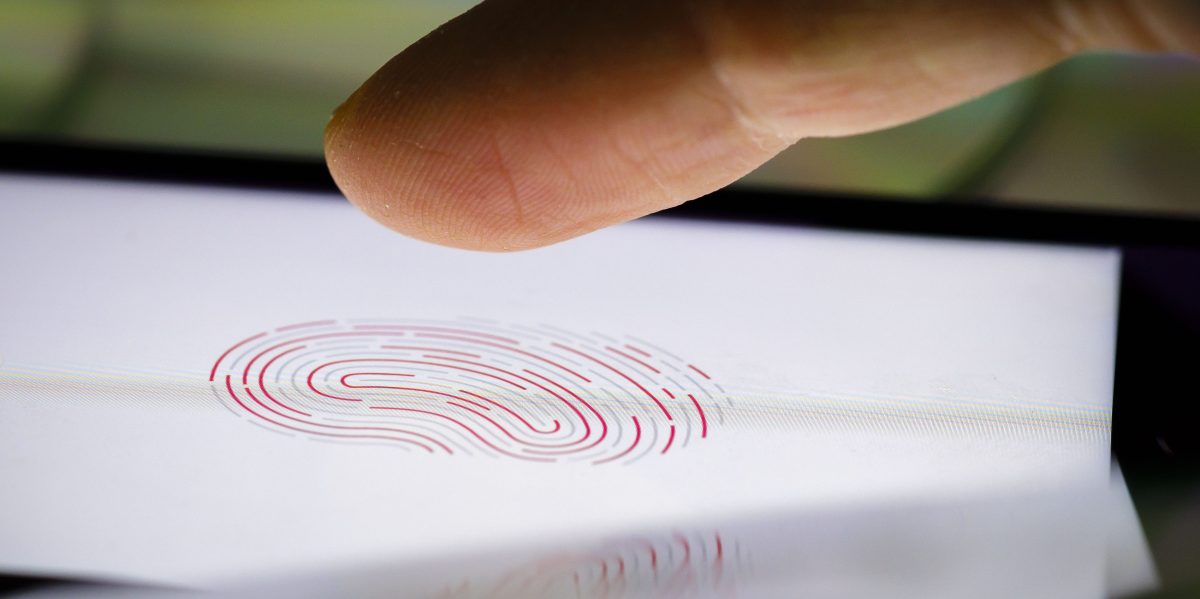
Think of your phone as a safe, and your fingerprint as the key.
With a warrant the police cannot force you to divulge the location of the key to your safe, but they can absolutely open your safe if they find it. (Yes they can pick the safe or cut it open but that’s irrelevant to this analogy) If your safe uses a code to unlock they cannot force you to give them the code. (Again yes they’ll get into the safe eventually, somehow, but irrelevant).
It then follows that with a warrant the police cannot force you to divulge if you use facial recognition or which finger you use, but they can just try things until it works. And again they cannot force you to give them a pin or passcode to your phone.
Key concept here is don’t use fingerprints or facial recognition to secure your phone.
Hold down the side button and either volume button for two seconds until the “Slide to power off” screen appears, then tap cancel to lock it*. Alternatively, press the side/power button 5 times rapidly to activate Emergency SOS and lock the phone.
Is this for iPhone or Android?
iPhone
This makes sense. Any time I see someone acting as though there is one type of phone, it’s an iPhone user. For example, only an iPhone user will recommend an iOS-only app because it literally never occurred to them that another platform exists.
Varies by phone. Pressing power 5x on mine dials emergency services.
Probably. On mine this works
GrapheneOS has a duress password: a different PIN you can type in at any unlock prompt that tells your phone to wipe your SIM and contents
GrapheneOS also will restart after 18 hours without being unlocked by default, you can adjust this down to as little as 10 minutes or as long as 72 hours. A reboot forces a phone into the most secure Before First Unlock status. Biometrics do not work there.