

The washing machine tells me how long it’s going to take when I start it, but it’s often wrong and takes longer. I’ve been descending into the basement countless times, usually from the first floor, only to notice it’s not done yet.
This is just a small thing but I want to share anyways: I just plugged it in a Zigbee plug with power meter and put an entity icon into the default dashboard. It’s conditional and only shows up when power!=0.0.
No more pointless stairs!
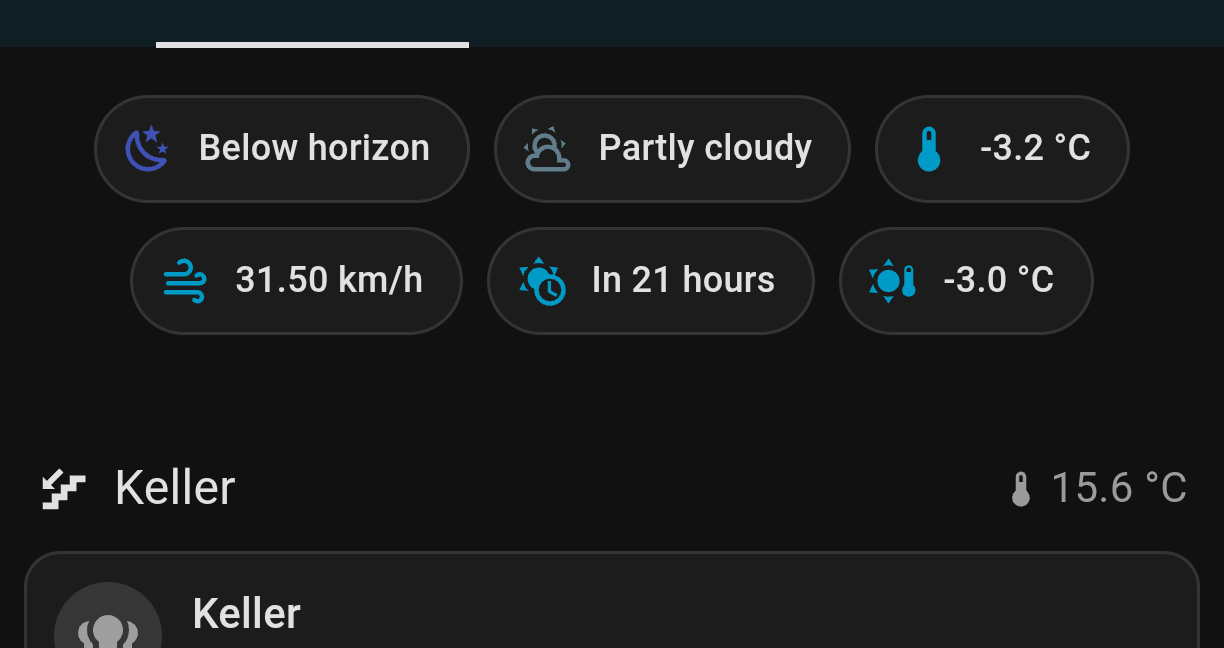
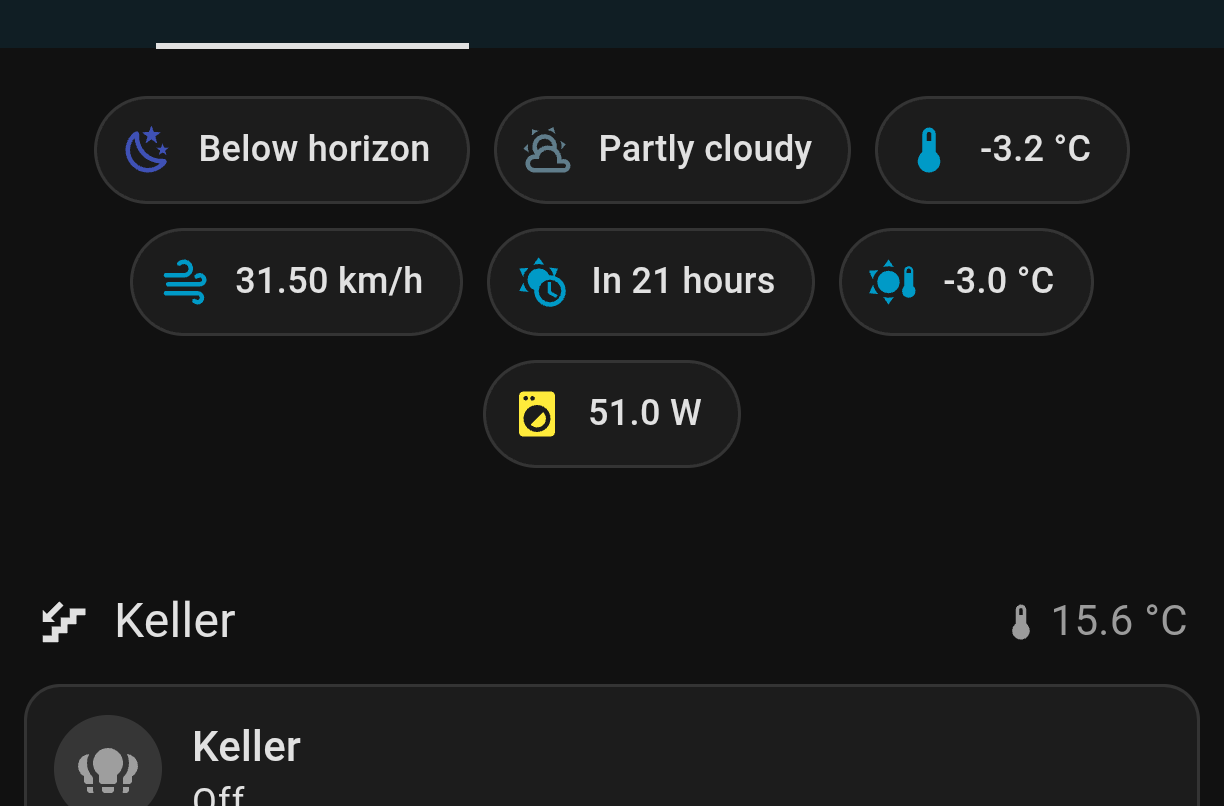
I have moved it next to the basement temperature but it’s not running right now and I don’t want to forge the screenshot so it’s showing before the change.
We occasionally forget to press the washer’s “start” button and only realize it an hour or more later. An automation sending a notification when the washer’s powered on (with a low current reading for a few minutes) but not started solved that. A “Cycle Complete” notification is sent when the current goes from > 1A back down into the low MA range when the wash is complete.
If you stick a Zigbee vibration sensor to the dryer you can set up the same “cycle complete” notifications even if the dryer’s 220V.