Go to your browser settings and to the Search section. There will be somewhere in there to add a new search engine. Add in ‘https://noai.duckduckgo.com/?q=%25s’ then set it as your default.
You should be able to do the same if you’re using a search widget directly from your launcher as well.
Go to DDG → Settings → AI Features → Search Assist and turn it to “Never”. It’s functionally equivalent to the noai address. Note deleting cookies clears those settings, but it’s a good option if you usually don’t clear cookies.
The day I allow any website permanently store cookies on my device is the day I die. Thanks for the tip, though.
This actually got to me the other day because Dropout is the only streaming service I use, and they bizarrely track show progress with cookies. If I hadn’t found a workaround that would have been the end of that.

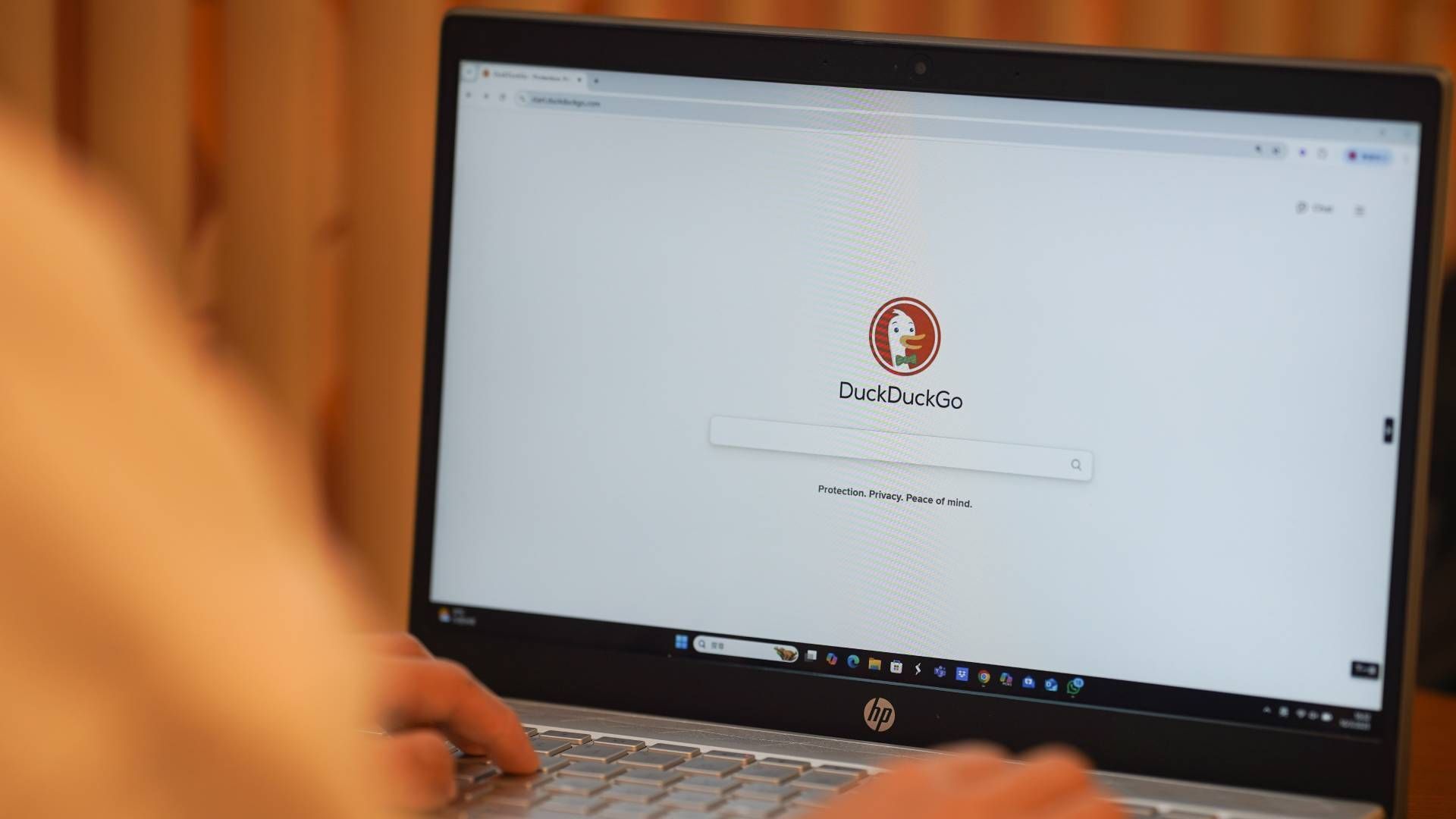
I wish my phone allowed noai DDG by default.
Go to your browser settings and to the Search section. There will be somewhere in there to add a new search engine. Add in ‘https://noai.duckduckgo.com/?q=%25s’ then set it as your default.
You should be able to do the same if you’re using a search widget directly from your launcher as well.
Go to DDG → Settings → AI Features → Search Assist and turn it to “Never”. It’s functionally equivalent to the noai address. Note deleting cookies clears those settings, but it’s a good option if you usually don’t clear cookies.
The day I allow any website permanently store cookies on my device is the day I die. Thanks for the tip, though.
This actually got to me the other day because Dropout is the only streaming service I use, and they bizarrely track show progress with cookies. If I hadn’t found a workaround that would have been the end of that.