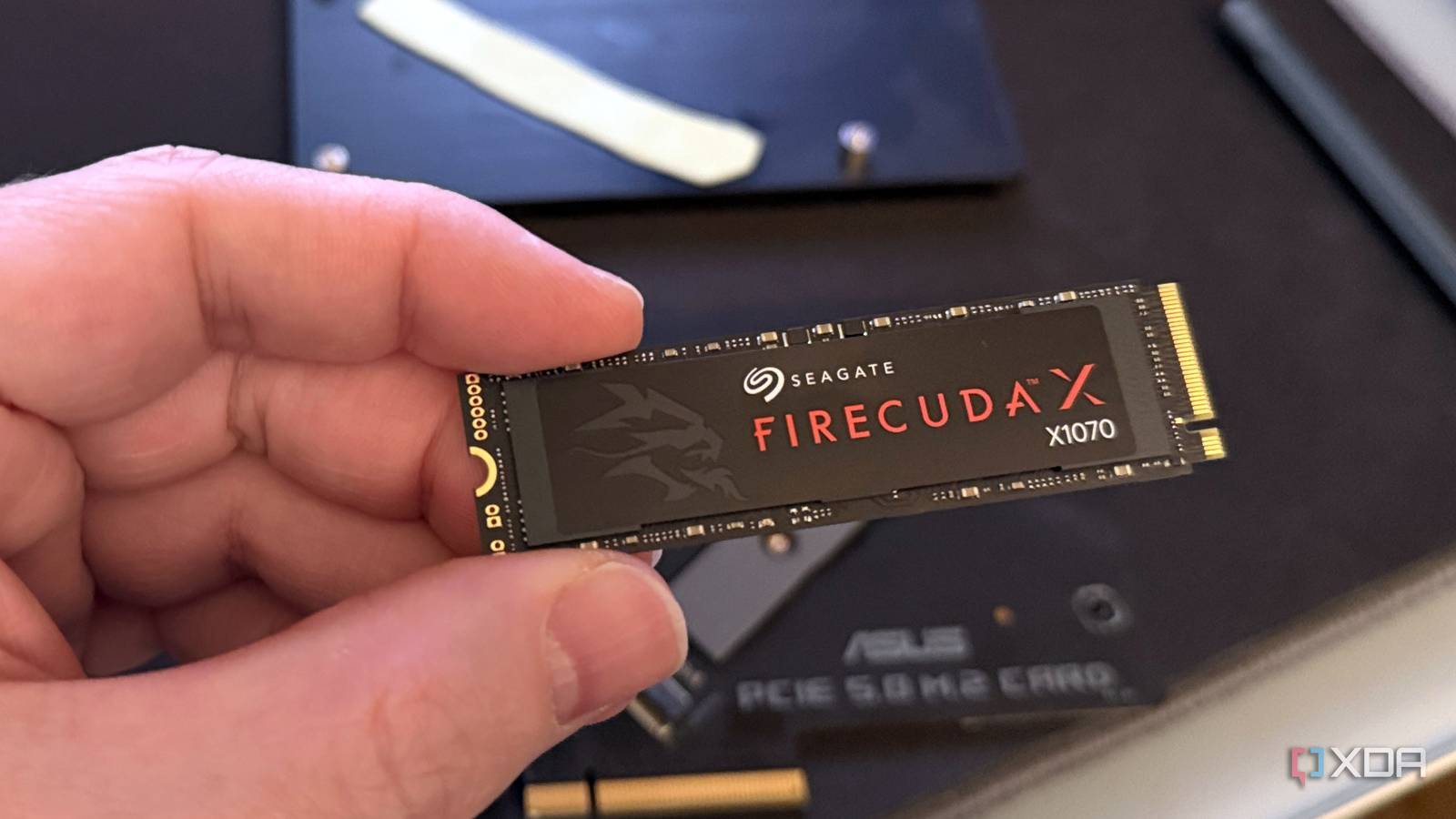
If I recall correctly, this has to do with how NAND flash storage stores the data on the physical media. I think trimming in SSDs performs some kind of maintenance in this regard but it all has to do with that the cells storing the bits (which make up the data) have a limited lifetime of being written to.
After a while, it will stop being able to write to specific cells in the media and the drive eventually “fails”. I think the way the drives work is they try to actively not write to the cell as often to increase the longevity of the drive. So when it gets filled up, maybe it’s trying to calculate more with less available cells? Not sure why else.
The big issue (as the article says) is that TLC/QLC drives have a faster dynamic SLC cache.
Skip this if you know what the terms mean:
- SLC (Single Level Cell) means per cell there’s one bit stored
- MLC (Multi Level Cell): one cell stores 2 bit
- TLC (Triple Level Cell): 3 bit
- QLC (Quad Level Cell): 4 bit
So the more bit per cell, the more storage the drive has, but the slower it is.
Because of that SSD controllers use part of the free space on a TLC/QLC drive in SLC mode as a fast cache, trading unused storage space for more speed.
The fuller the drive gets the smaller the cache will be, and on an almost completely full drive there is no cache.
TIL moment 😀
If my zfs pool could read anymore it’d be very upset
I wonder how this impacts LVMs, just setup a 2x512GB SSD LVM and plan to add another 500GB SSD to it soon.
But tbh as long as it beats HDD write speeds it’s probably good enough for the most part. Hard to properly test as my most recent large data transfer on it was with game files and many tiny files are always going to be slower.
It affects them just as much, since LVMs still run on the hardware, so anything on hardware layer will affect the LVM too.
First, this is mostly only for write speeds. Read speeds aren’t really affected by this.
So if your 2x512GB are close to full, these will be much slower. If you add a third, that one will be fast. So you’ll still be able to write at about the speed of one drive.
If you balance the load (which, afaik LVM doesn’t proactively do when you add a new drive), you can get your total speed up by a lot.