

5·
29 days agoThat was the Switch for me. Went PS3 -> Wii U -> Switch then when Nintendo started charging I stopped playing.

I run 16 Bit Virtual Studios. You can find more reviews from me on YouTube youtube.com/@16bitvirtual or other social media @16bitvirtual, and we sell our 3D Printed stuff on 16bitstore.com
That was the Switch for me. Went PS3 -> Wii U -> Switch then when Nintendo started charging I stopped playing.

If you do the Gameboy player. Get a flippy drive and you can use homebrew for it.
Ooooo desktop mode is now Wayland by default
I like many here can recommend Prusa but honestly if you wanted to shop around this is the specs you are looking for:
Core XY is the new hotness thanks to Bamboo. But unless you want to print fast and loud a bed slinger still works.
What makes the biggest difference is the horned style and a direct drive printer is a game changer to print consistency. MK4s planetary gear is scary how much torque is in it but if you find any printer with a motor in its print head it’ll be worth it.
The other major improvement is auto bed levelling. Again Prusa’s nozzle solution is amazing, while magnets sensors are outdated but still works great if you printing on steel and the venerable plastic stick works but harder to recommend.
Finally magnetic sheets is a nice to have but finding a durable print bed like Garolite is better, just know that no one makes a Garolite bed so you’ll need to craft your own.
Other gimmicks you’ll find is ways to accelerate printing but I’ve honestly haven’t seen much improvement by using them and prefer the print quality when printing slower.
I think it runs, not sure how to setup though

I like heroic a lot and this was the last big hurdle for me. Fingers crossed when you press home on the steam deck UI the heroic UI disables input too.

I think it’s limited in use but if you have a flat and thin stretch on your part, it could work.
So the whole process.
Print the first part, the first part has an interfacing slope which is 3d printer friendly. Which results in some stair stepping, but this time this is what we are trying to get.
Remove the first part from the print bed.
Start the second print.
Auto stop the second print after the first layer, and align it with the first print. The first print has a notch which is used to align the 2 parts.
Resume printing. The second print is design to print over air without supports, but with the first print in place it now prints on top of that and fuses the 2 parts together.
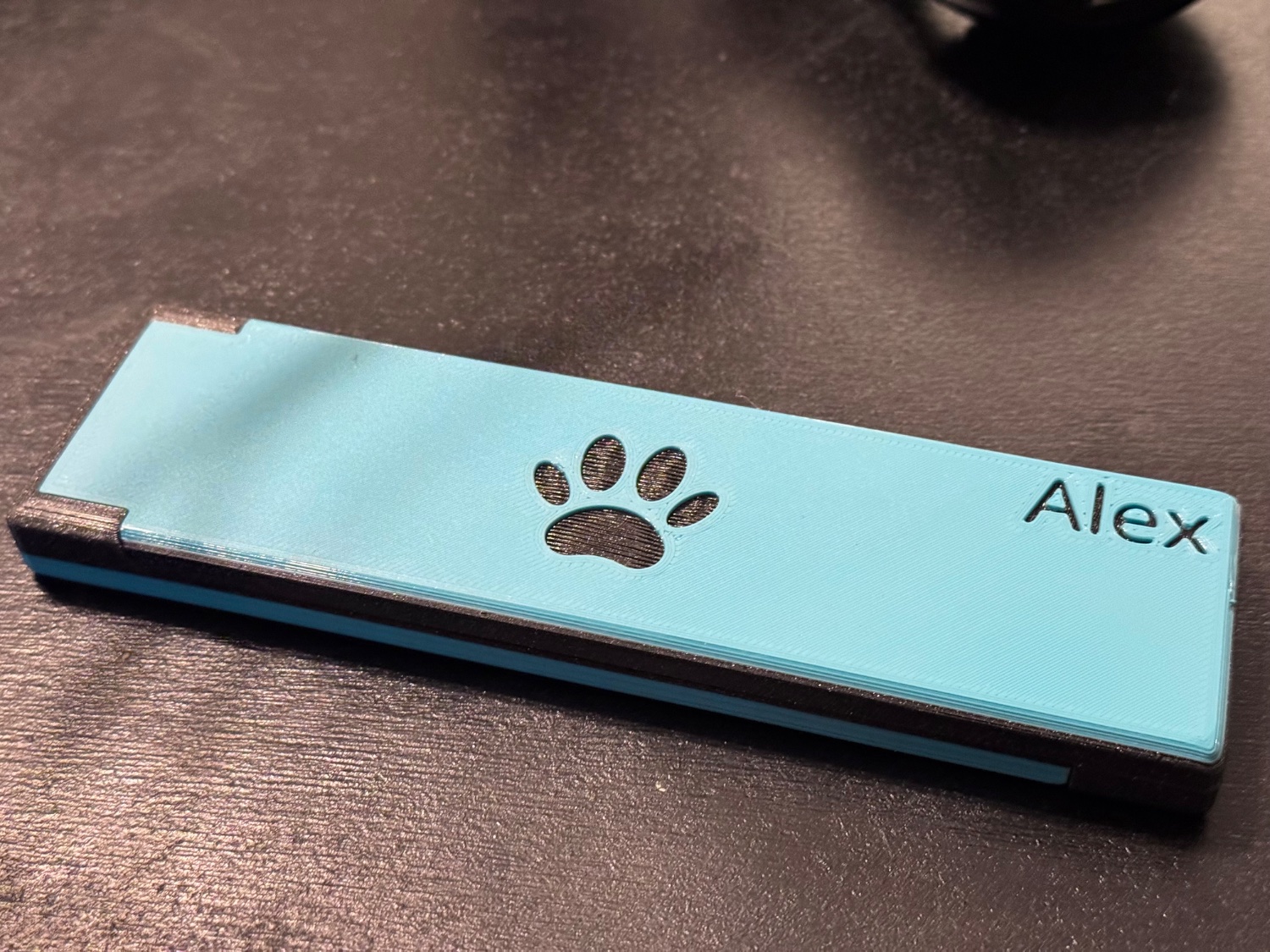
The reason I am doing this is so I can print parts which is larger than my print bed, without using fasteners or adhesive to bond them together. This method basically welds the parts together. This was just a small test print to prove the theory
Close
Yes I am trying to print 2 separate items, this was a test print but the idea would be a print larger than my print bed. I would use this to fuse them together.
The design isn’t the box but the interface. It’s a long slope which causes stair stepping. But while this is considered a defect I am using it to mate 2 parts. First is a slope which is printer friendly then an adjacent slope which would print in the air but I stop the print after the first layer so it’ll print ontop of the already printed part which I position after the first layer.
The models are designed in cad since this is going to be apart of a bigger part. Don’t want to share that yet because it’s not designed yet.
The parts are designed to fuse, that’s the point of this design. Again it’s designed for parts bigger than my print bed.
Of course, who else will I brag to 😛
Look closely in the middle and you will see a nook. That said the clear TPU is helping hide it
No noticeable difference between the TPU printed like it. I am sure if we had infill there would be more
CAD, got the parts designed up, then made 2 prints.
Print 1 is one half while print 2 I only printed the first layer. Aligned the 2 prints, then resumed printing.
I used magnets to hold the finished part down as to not move.

The game was a physics sim designed and a game engine as a platformer. It’s wasn’t easy to run even on PS3.
I don’t think RCPS3 has a proper name. But yeah, LBP has been this games name for me for so long that I don’t think I’ve called it anything else.
LittleBigPlanet, though I can’t think of other games with the acronyms with LBP is in for PS3.
What I miss about this era of portable gaming was that it was:
Portable
Fun, pocket games had a different design ethos around it. Longer play sessions were allowed since you can play it everywhere. But it never made you feel like you couldn’t put it down since you might have to drop what you were doing to make your next connection. It’s why I think Pokemon has been so successful. Outside of the elite 4, you could pause at any time and moment with no penalties in your game.
My recommendations for unique games for those who want them.
Pixel Junk Monsters - Tower Defence
The Sims 2 - Seriously a fun adventure game in the theme of the Sims.
Patapon 1 or 2 - Rythem adventure game
EveryDay Shooter - Twin stick shooter

If I am right I don’t think Pebble watches has Bluetooth LE, it has the ability to broadcast itself but once connected uses Bluetooth. The OS doesn’t expose LE so I don’t think getting the signal strength is possible
Yes Pebble OS is now open source, however I think adding RSSI might only work on newer devices, since classic pebbles are just Bluetooth and Bluetooth le. Though they may have Bluetooth le as a part of pairing?
Still a fun experiment and a good way to see why Bluetooth headphones actually are as reliable as they are.






The first one is free right now if you don’t already have it