

6·
25 days agoPodman pods (or quadlets) managed by ansible.
Podman pods (or quadlets) managed by ansible.
True.
But by default the unattended-upgrades timer has a randomized trigger time (so that not all Debian machines in the world start hammering the mirrors at the same time). If you enable the auto reboot option in unattended-upgrades, your boxes will reboot at an unpredictable time. I prefer doing this at known times (middle of the night when I know nothing important is running/number of users is low).
This is a kernel bug, unattended-upgrades will take care of installing the new kernel once the fix is published, but you still have to reboot to load it. I’ve set up a cron job that runs needrestart nightly and reboots my servers if there is a pending kernel upgrade [1]
Damn their website has become a mess. Anyway
Yes. This is my ansible role that deploys it

This is fine as long as upstream supports a convenient way to get the latest versions of software for which you actually need latest (APT repositories)
Stable base, only explicitly allow selected unstable/bleeding edge components.
This is what I do for ROCm and a few other things which need to be constantly updated (yt-dlp). Sometimes stable-backports repositories are enough, but not always.
I suggest using llama.cpp instead of ollama, you can easily squeeze +10% in inference speed and other memory optimizations from llama.cpp. With hardware prices nowadays I think every % saved on resources matters. Here is a simple ansible role to setup llama.cpp, it should give you a good idea of how to deploy it.
A dedicated inference rig is not gonna be cheap. What I did, since I need a gaming rig; is getting 32GB DDR5 (this was before the current RAMpocalypse, if I had known I would have bought 64) and an AMD 9070 (16GB VRAM - again if I had known how crazy prices would get I’d probably ahve bought a 24GB VRAM card). The home server runs the usual/non-AI stuff, and llamacpp runs on the gaming desktop (the home server just has a proxy to it). Yeah the gaming desktop has to be powered up when I want to run inference, this is my main desktop so it’s powered on most of the time, no big deal
Most applications/services offer mail as notification channel. Even old school unix utilities such as cron support sending mail (through the system MTA). I use msmtp. Then configure K-9 mail or any decent mail client on your phone, setup filters so that mail from your services ends up in a high priority folder in your mailbox with notifications enabled.
I want to be able to receive notifications both on mobile and desktop, this is the only reasonable option I found and have been running with it for > 10 years.
unattended-upgradesIt can protect APIs as much as any other URL. Or more simply you could disallow any unauthenticated API access in gitea or at the reverse proxy level?
cannot protect against bot traffic coming from many different residential proxies
It can block anything that doesn’t pass the proof-of-work/JS challenge. Most bots don’t interpret JS.
The scraping/bandwidth abuse problem can easily be worked around.
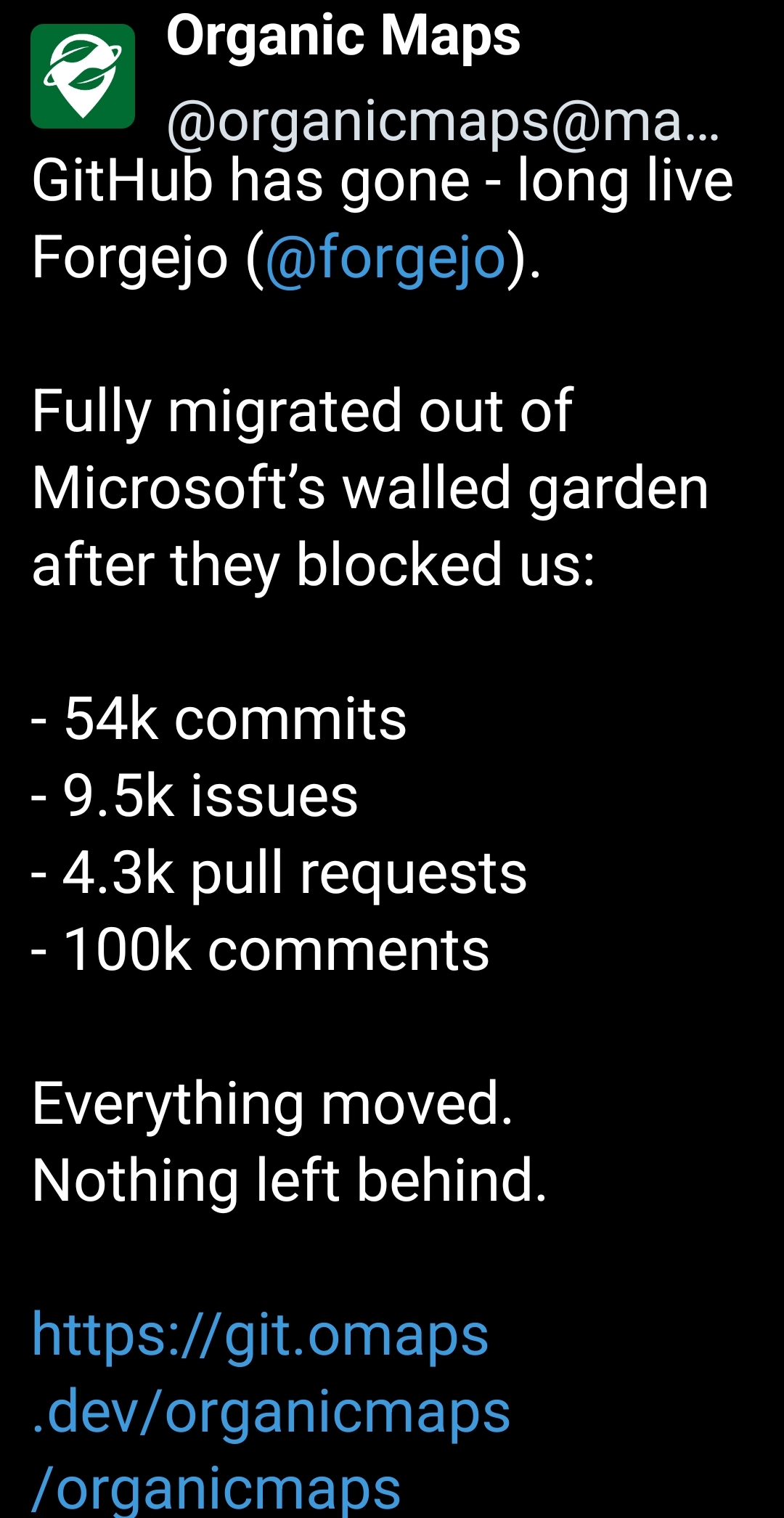
But there still are actual good reasons to not host a public forge.
For example, as long as pull requests are allowed (which is required for actual contributors), anyone can abuse the PR feature to fork your repository, then start pushing random shit into their fork (since the fork is an actual separate git repository).
Bad actors can do it on github all they want, it’s not my storage, not my server used to host potentially illegal content.
Self-hosting public services where you are the only authenticated user and sole publisher of content is easy (using your public forge as a mirror with account creation disabled is fine), hosting other’s people content is another can of worms. Think twice before you do that.
The blurb is my own submission, since it was not so evident how the article was related to self-hosting. I am not the author of the blog post. I am a maintainer of awesome-selfhosted.
Fair enough.
I decided against web/network-based password managers for my personal needs since the additional attack surface is a concern. A Keepass database file synced across machines strikes a good balance for me (requires password + keyfile to open). It’s also simple to backup and protect.
So yeah, for you use case, I’d recommend Aegis Authenticator.
No, I’m not interested in a password manager, thank you
Ok. But since you already use a password manager (right?), why not use its built-in TOTP management. Why do you need yet-another-separate app?
If I really had to, I’d recommend Aegis.
But I’ll still recommend using a password manager (I use KeepassXC on desktop and KeepassDX on Android).
As for the prices… well the rig I bought for ~1500€ in september is now up to ~2200€ (once-in-a-decade investment). It’s not a beast but it works, the primary use case was general computing and gaming, I’m glad it works for local AI, but costs for a dedicated, performant AI rig are ridiculously high right now. It’s not economically competitive yet against commercial LLM services for complex tasks, but that’s not the point. Check https://old.reddit.com/r/LocalLLaMA/ (yeah reddit I know). 10k€ of hardware to run ~200-300B models, not counting electricity bills




deleted by creator