I wonder about the gripe of having to go to settings to make changes to the taskbar. Are there really folks resizing or repositioning their taskbars on a day-to-day basis?
In my case, I haven’t really been bothered by most of the Win11 taskbar gripes. I strip my Taskbar down to be somewhat minimalist, only showing the start menu button and whatever apps are currently open on a given window. It’s something that I set up once after OS install and then never really touch again. The only option I miss is having all system tray icons show all the time - in Windows 11, that can only be manually managed so when an app updates it defaults into the tray’s submenu.
Having the start menu be nothing more than a set if pinned apps and then alphabetical list of everything is great and aligns with how app menus are structured on mobile devices, not that I tend to engage with it much. My engrained habit at this point is to press the windows key, first three letters of the app I want to open, and then enter.


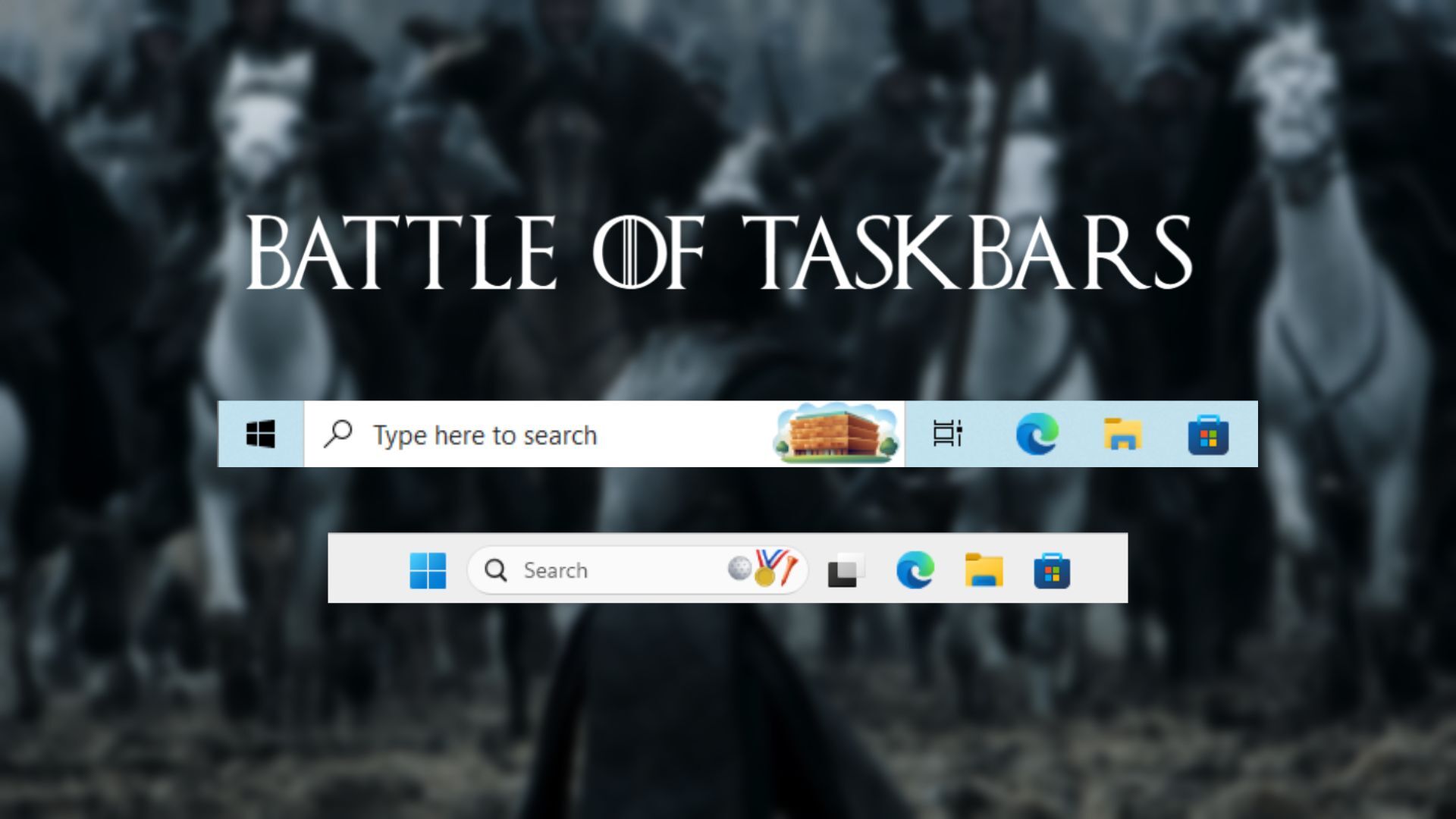
I wonder about the gripe of having to go to settings to make changes to the taskbar. Are there really folks resizing or repositioning their taskbars on a day-to-day basis?
In my case, I haven’t really been bothered by most of the Win11 taskbar gripes. I strip my Taskbar down to be somewhat minimalist, only showing the start menu button and whatever apps are currently open on a given window. It’s something that I set up once after OS install and then never really touch again. The only option I miss is having all system tray icons show all the time - in Windows 11, that can only be manually managed so when an app updates it defaults into the tray’s submenu.
Having the start menu be nothing more than a set if pinned apps and then alphabetical list of everything is great and aligns with how app menus are structured on mobile devices, not that I tend to engage with it much. My engrained habit at this point is to press the windows key, first three letters of the app I want to open, and then enter.